> For the complete documentation index, see [llms.txt](https://docs.ceruleansonar.com/c/llms.txt). Markdown versions of documentation pages are available by appending `.md` to page URLs; this page is available as [Markdown](https://docs.ceruleansonar.com/c/ethernet-rov-locator/bluerov-transmitter-transponder-installation-and-setup.md).
# BlueROV Transmitter/Transponder Installation and Setup
1. Make sure your BlueROV is fully functional. See the Blue Robotics documentation.
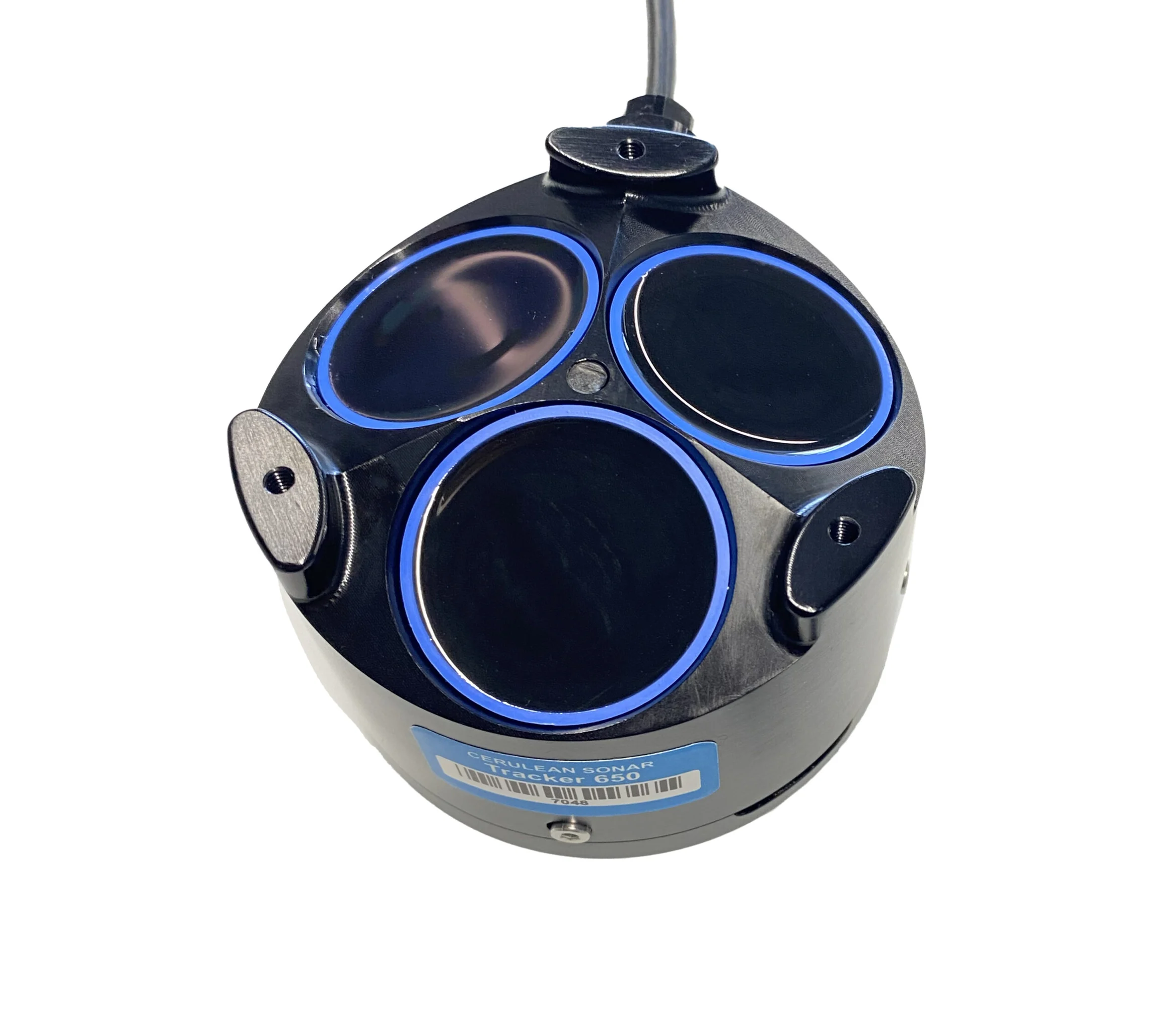
2. If using a Tracker 650 DVL along side of Omnitrack, make sure that it is fully installed and configured in accordance with the documentation. [Tracker 650 DVL Documentation](https://app.gitbook.com/o/ObqHkwNyPYYuN5SMJXLW/s/ldEroQctKFErSiZvuhJk/quick-start-for-bluerov-ardusub-users). Ensure that it is NOT set to send a Global Origin. [Tracker 650 configuration ](https://app.gitbook.com/o/ObqHkwNyPYYuN5SMJXLW/s/ldEroQctKFErSiZvuhJk/configuring-the-tracker-650)\
3. Mounting the Transponder/Transmitter to the BlueROV2.
1. Determine the desired mounting location for the Transponder/Transmitter on your vehicle. Keep in mind the [DeepSide ROVL mounting considerations.](https://app.gitbook.com/o/ObqHkwNyPYYuN5SMJXLW/s/lN2lfY7yE0hWlcn6W1BS/rovl-mounting/rov-deepside-mounting)
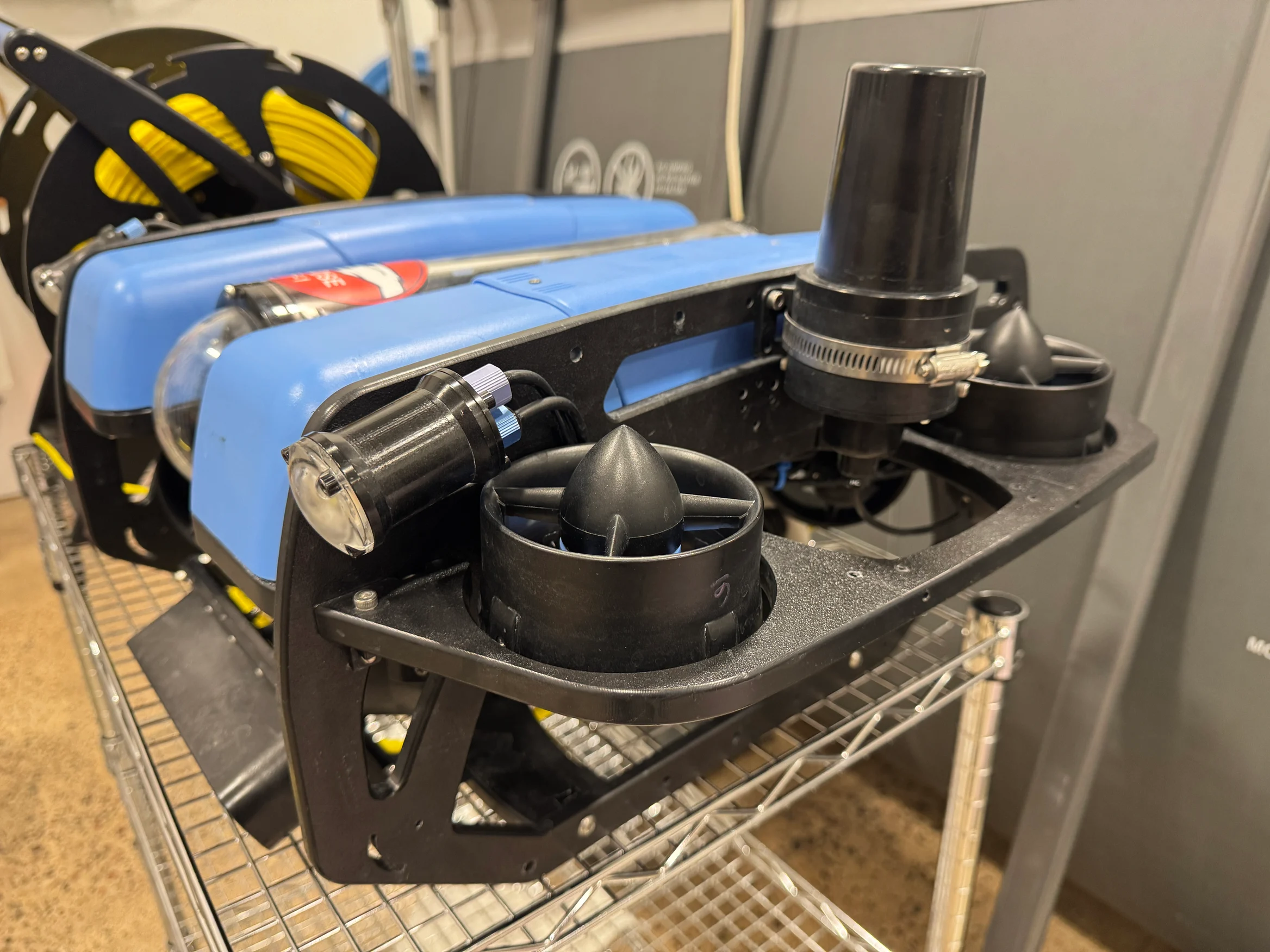
2. Install the transponder using the provided mount and hose clamp onto the ROV Frame. Below is an example mounting location as used during testing.\

1. Wiring the Transponder/Transmitter into the BlueROV2. For more information see [Blue Robotics BlueROV2 Servicing Guide](https://bluerobotics.com/learn/bluerov2-operation/)
1. Remove Power from the ROV and completely open up primary electronics enclosure.
2. Route the transponder cable to the primary electronics enclosure and install the provided penetrator. Make sure surfaces are clean and lubricated as needed, and an O-ring is installed.
3. Connect the power leads to the vehicle's power distribution rails. (Red +, Black -)
4. If a serial device (ROVL Mk II or ROVL Mk III), tape the serial leads (white and green wires) so they don't short together or short to exposed terminals in the ROV.
5. If an Ethernet device (ROVL Mk V), connect the Ethernet lead with the 4-pin JST-GH to your Ethernet switch.
6. Close the enclosure.
7. Adjust ROV ballast as required
2. Verify transponder operation
1. Power on the vehicle
2. If using a Mk III transponder, or a Mk V tranmitter/transponder lightly tap the end of the transponder listening for an audible click. If it clicks it is correctly operating
3. if using a Mk II transmitter, you should be able to hear an audible click from the transmitter once per second after it powers up and is exposed to a GPS signal.